
DaVinci Resolve
DaVinci Resolve 21 New Edit Page Effects Overview
9:42 Minutes
Beginner
Overview
Explore the 56 new titles, transitions, and effects introduced in DaVinci Resolve 21's Edit Page, understanding their categories and potential uses for enhanced video editing.
Software & Tools
DaVinci Resolve 21
Step-by-Step Guide
5 Steps
Introduction to DaVinci Resolve 21 Updates
Understand the context of the DaVinci Resolve 21 update, specifically focusing on the new additions to the Edit Page and their significance for content creators.
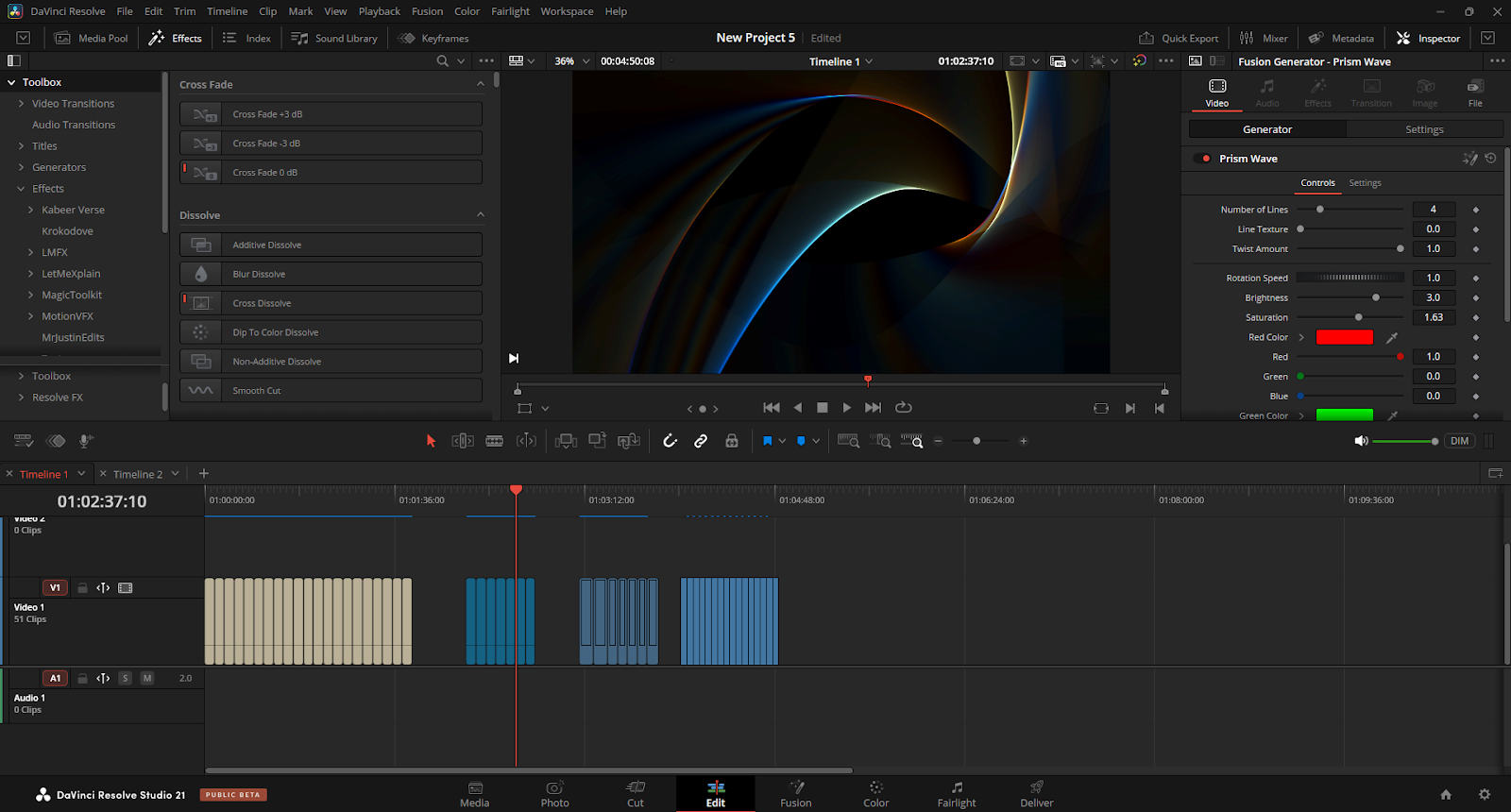
Familiarize yourself with the general layout of the Edit Page before diving into new features.
Click to view in full
Exploring New Titles in DaVinci Resolve 21
Get an overview of the newly added titles within the Edit Page, including their types and potential applications for various video projects.
Consider how new title templates can elevate your intros, lower thirds, and on-screen text.

Click to view in full
Discovering New Transitions
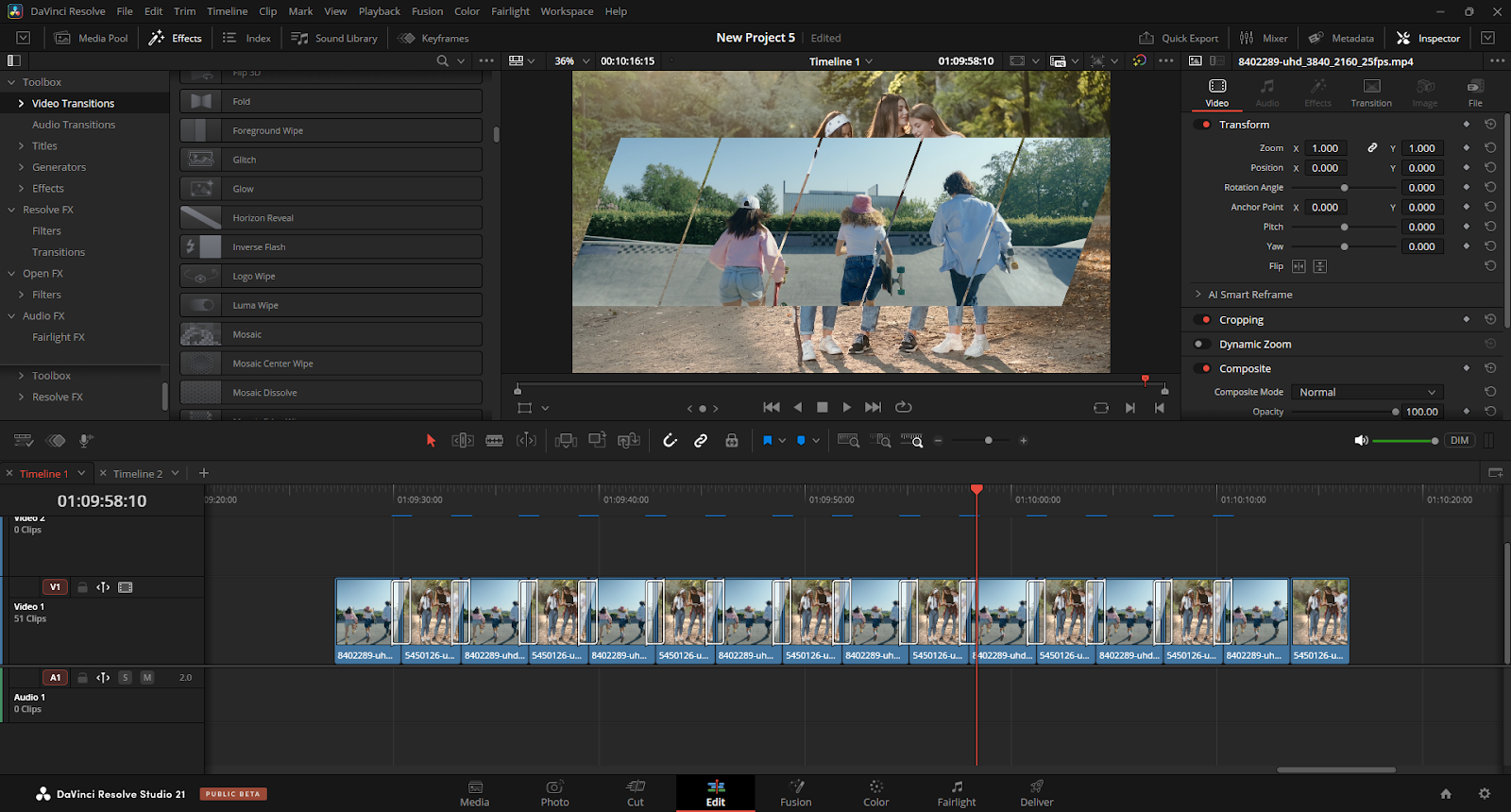
Learn about the range of new transitions available, understanding how they can be used to create smoother and more dynamic scene changes in your edits.
Experiment with different transition styles to find those that best suit your video's aesthetic and pacing.
Click to view in full
Reviewing New Video Effects
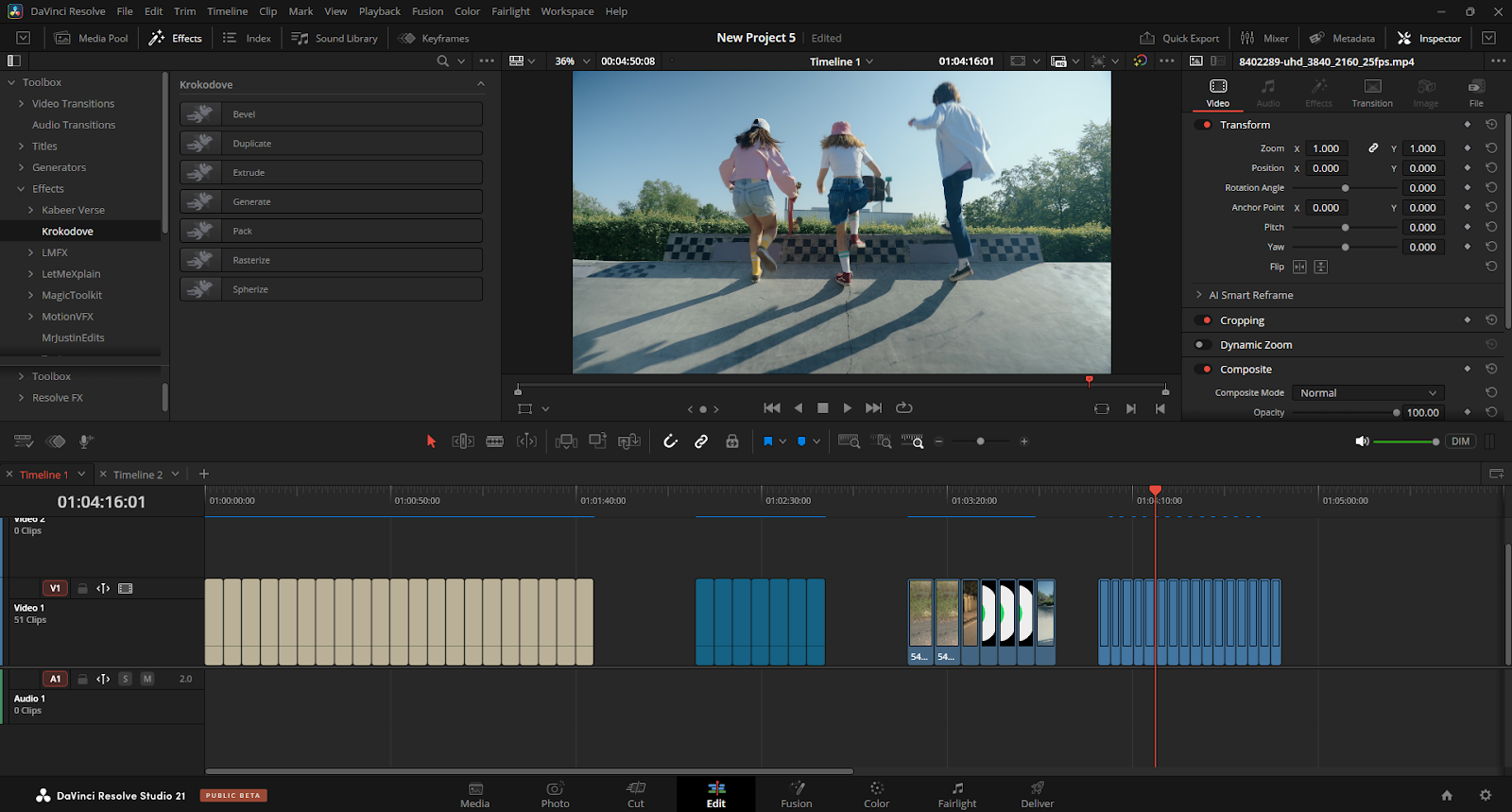
An introduction to the diverse collection of new video effects, highlighting their categories and how they can be applied to enhance visual storytelling.
Think about how new effects can add polish, style, or solve common editing challenges.

Click to view in full
Integrating New Features into Workflow
Discuss general strategies for efficiently incorporating these 56 new titles, transitions, and effects into your existing DaVinci Resolve editing workflow.
Allocate time to test new features on practice clips to understand their full capabilities before using them in a final project.
Click to view in full
Transcript
TRANSCRIPT NOT AVAILABLE