
The Ultimate DaVinci Resolve Hack: How to Import YouTube Media Directly to Your Timeline
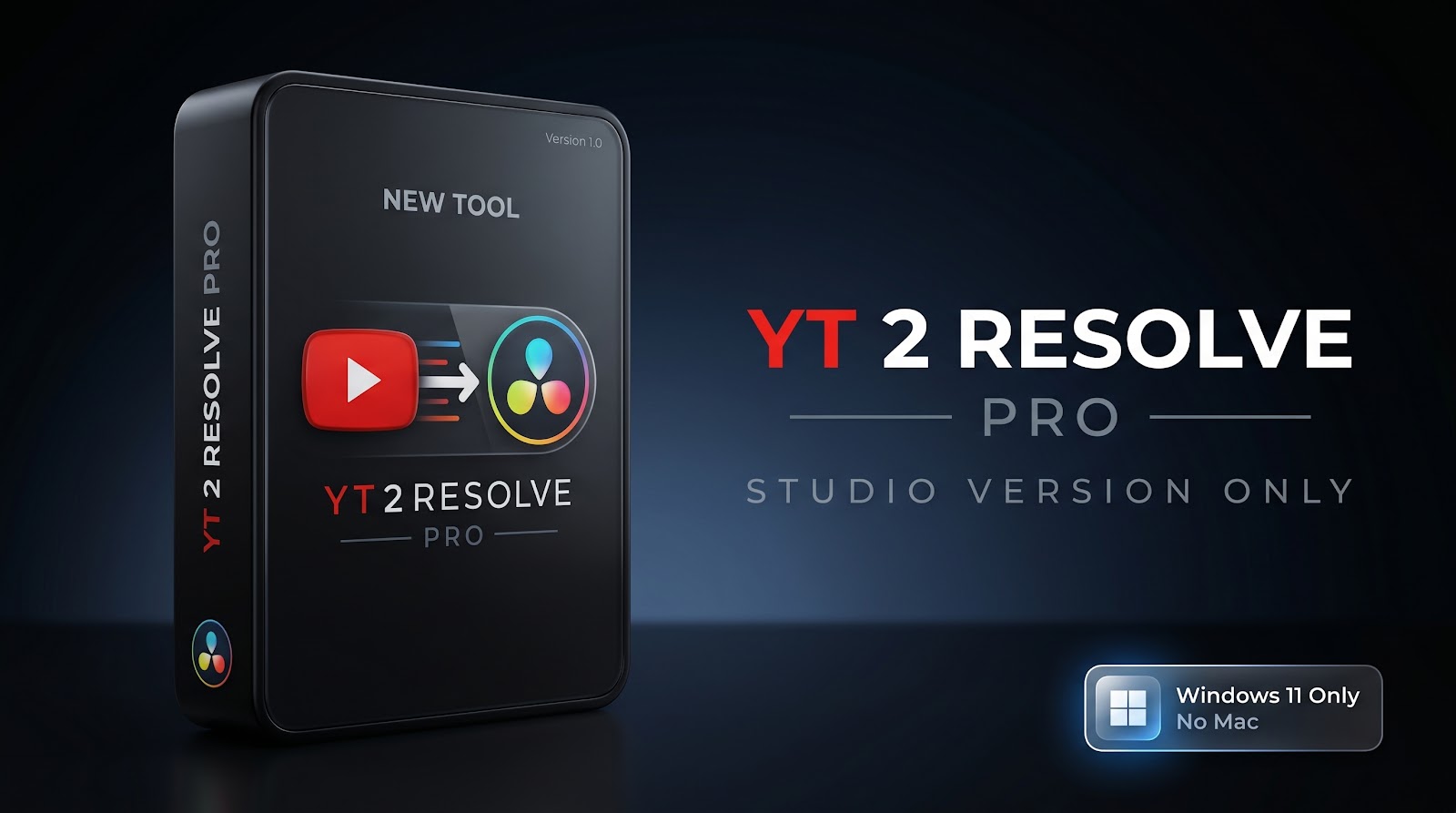
Skip the manual download loop! YT2Resolve Pro instantly imports YouTube media directly into your DaVinci Resolve timeline and Media Pool with a single click.
As a video editor, you already know the drill. You are "in the zone," editing a fast-paced sequence, and suddenly you realize you need a quick sound effect, a meme template, or a piece of reference footage from YouTube.
What happens next? You break your creative flow.
You open your browser, copy the URL, navigate to a sketchy ad-filled downloading website, wait for the file to process, hunt it down in your cluttered 'Downloads' folder, open DaVinci Resolve, and finally drag it into your Media Pool.
This tedious "Download ➔ Find ➔ Drag ➔ Drop" loop wastes countless hours of your life every single month. But what if you could bypass all of that? What if a single click could magically transport high-quality media directly from the internet into your active DaVinci Resolve project?
Enter YT2Resolve Pro—the ultimate productivity bridge designed exclusively for DaVinci Resolve editors.
🎬 What is YT2Resolve Pro?
YT2Resolve Pro is not just another media downloader; it is a dedicated workflow automation tool built by an editor, for editors. By utilizing DaVinci Resolve's powerful advanced scripting API, this software eliminates the friction between finding media online and actually using it in your timeline.
Whether you are cutting a corporate documentary, a high-energy YouTube vlog, or a cinematic masterpiece, this tool acts as a seamless extension of your editing suite.
⚙️ How It Revolutionizes Your Editing Workflow
Let's dive deep into the features that make YT2Resolve Pro an absolute must-have for modern post-production professionals.
1. ⚡ One-Click Direct API Integration
The magic of YT2Resolve Pro lies in its communication with DaVinci Resolve. When you paste a URL and hit 'Send to Resolve', the software doesn't just download the file to your hard drive. It actively talks to your open Resolve project.
It automatically creates a dedicated 'YT Imports' bin in your Media Pool.
It safely drops the downloaded, format-optimized file directly into that bin.
Timeline Append: You can even check a box to have the software instantly drop the newly downloaded clip right onto your active timeline!
2. 🎨 Smart Color-Coding & Organization
A messy Media Pool is an editor's worst nightmare. To keep your workspace pristine, YT2Resolve Pro automatically color-codes your incoming media. Video files are tagged with an Orange clip color, while pure Audio files (like MP3 sound effects or background tracks) are tagged with Green. You instantly know exactly what you are looking at without previewing the file.
3. 🛡️ Bulletproof Core Engines (Stable & Nightly)
We all know that YouTube frequently updates its backend, which often breaks standard downloading tools. YT2Resolve Pro solves this permanently.
Stable Channel: Perfect for everyday use with rock-solid reliability.
Nightly Channel: Encountering a stubborn link? Switch to the Nightly engine to access the absolute latest backend patches, ensuring you can bypass new platform security changes instantly.
One-Click Updates: You never have to manually reinstall the tool. A built-in 'Update Engine' button keeps your core downloader fresh and functional.
4. 🍪 Advanced Authentication & Custom Cookies
Ever tried to download a high-security music video, a VEVO track, or age-restricted reference footage, only to be hit with a "Sign-in required" or "JavaScript/Signature" error? YT2Resolve Pro comes equipped with advanced authentication bypasses. You can natively link it to your primary browser (Chrome, Edge, Firefox, Brave) to use your existing session, OR you can upload a custom cookies.txt file. This acts as the ultimate "master key," allowing you to securely and privately download heavily restricted media without triggering bot protections.
5. 📦 Batch Processing Mode
Need to download 15 different sound effects or 10 stock footage clips for a montage? Don't do it one by one. Switch to Batch Mode, paste a list of URLs, sit back, and watch as your DaVinci Resolve bin populates with media sequentially. The app uses smart Anti-Bot Rate Limiting (adding realistic human-like delays between downloads) so your IP address never gets flagged.
6. 📁 The 'Smart Library' Vault
Every file you download is safely archived in your globally selected 'Save Location'. The built-in Library Tab allows you to visually browse past downloads with auto-generated thumbnails. Did you download a swoosh sound effect three months ago and need it for a new project? Just open the Library tab, find the file, and click "Send to DaVinci" to instantly import it into your current project.
🎞️ Who is this Tool For?
YouTube Creators: Instantly grab memes, green screens, and B-roll to keep your audience engaged without missing a beat.
Freelance Video Editors: Speed up your turnaround times drastically. Time saved is money earned.
Sound Designers: Rip high-quality 192K MP3 tracks and SFX directly into your Fairlight timeline.
Studio Professionals: Standardize your team's workflow by completely eliminating the messy "Downloads" folder from your studio machines.
🛑 Stop Wasting Your Most Valuable Asset
Your job is to craft compelling stories, not to act as a file-management robot. Every minute you spend outside of DaVinci Resolve managing downloads is a minute you aren't editing.
YT2Resolve Pro respects your time, keeps your flow state intact, and bridges the gap between the internet and your timeline.
Ready to supercharge your DaVinci Resolve workflow and leave the manual drag-and-drop method in the past?
👉 Get YT2Resolve Pro Now on Click Here and Transform Your Workflow Today!
Note: YT2Resolve Pro requires DaVinci Resolve Studio with External Scripting enabled (Local) and is currently optimized for Windows operating systems.